The Dashboard
Four panels. Your whole energy picture.
What each panel shows, how the indicators work, and what the Premium features unlock.
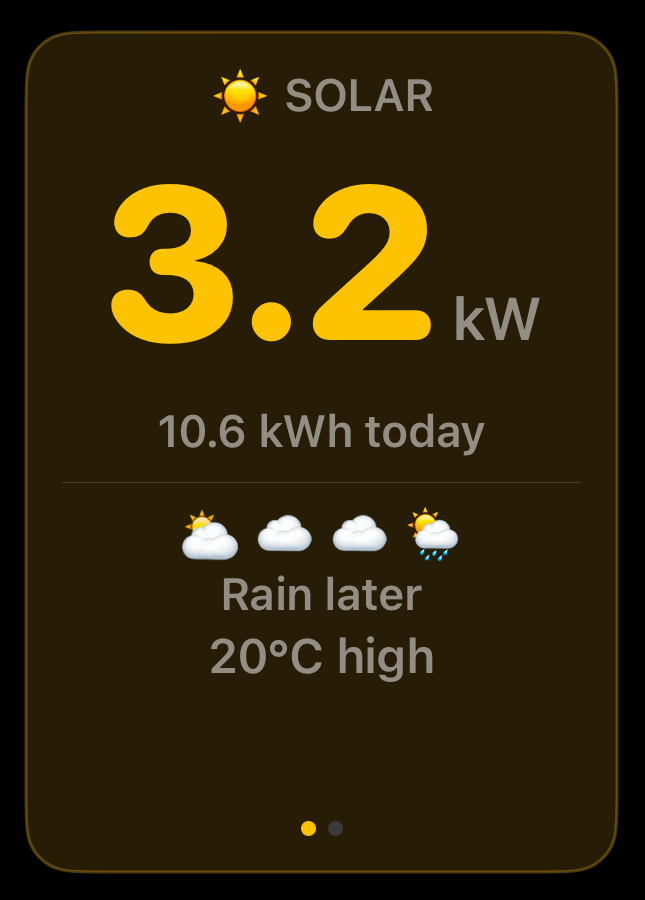
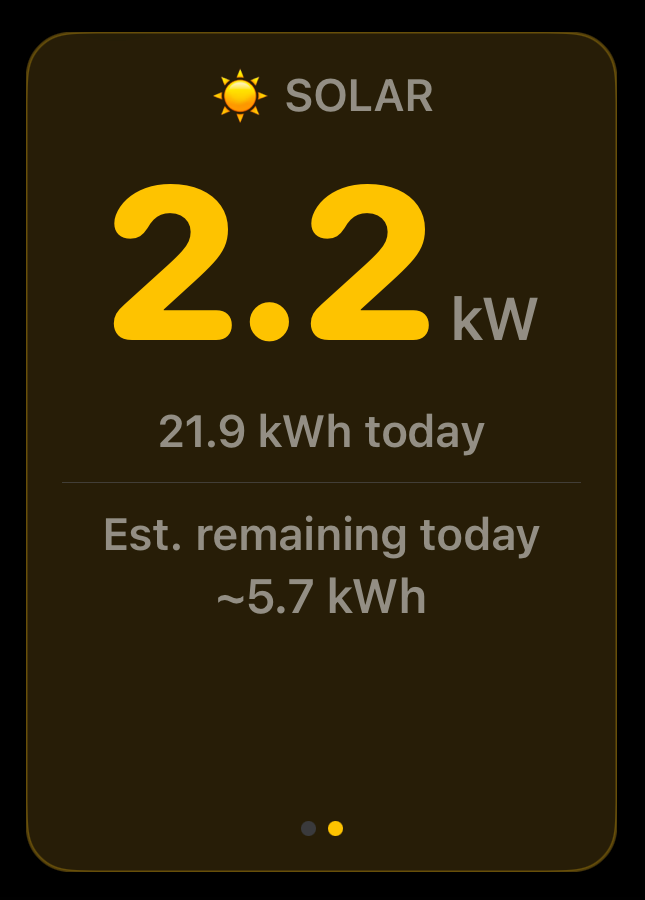
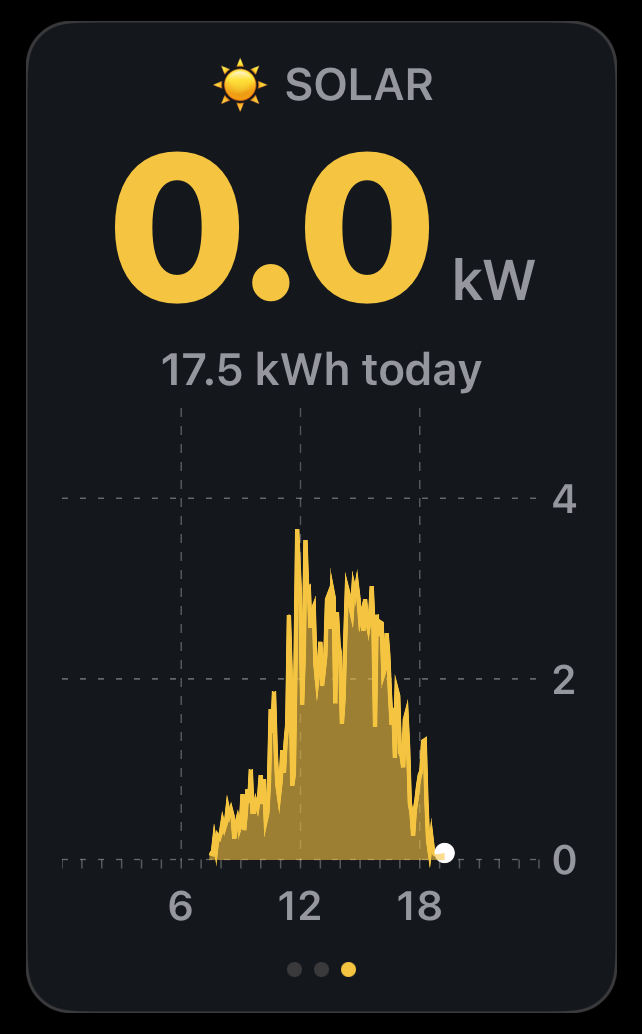
Solar
- Live solar generation in kW, updated in near real time
- Today's total kWh generated
- View cycles between a daytime weather forecast (each emoji represents a 3-hour period) and an estimated generation figure for the day or tomorrow if after sunset (Premium)
- A further slide plots an in-day chart of today's generation: power in kW across the hours of the day
- Panel highlights when solar is active
- Tap to advance the carousel manually or configure app to rotate views automatically
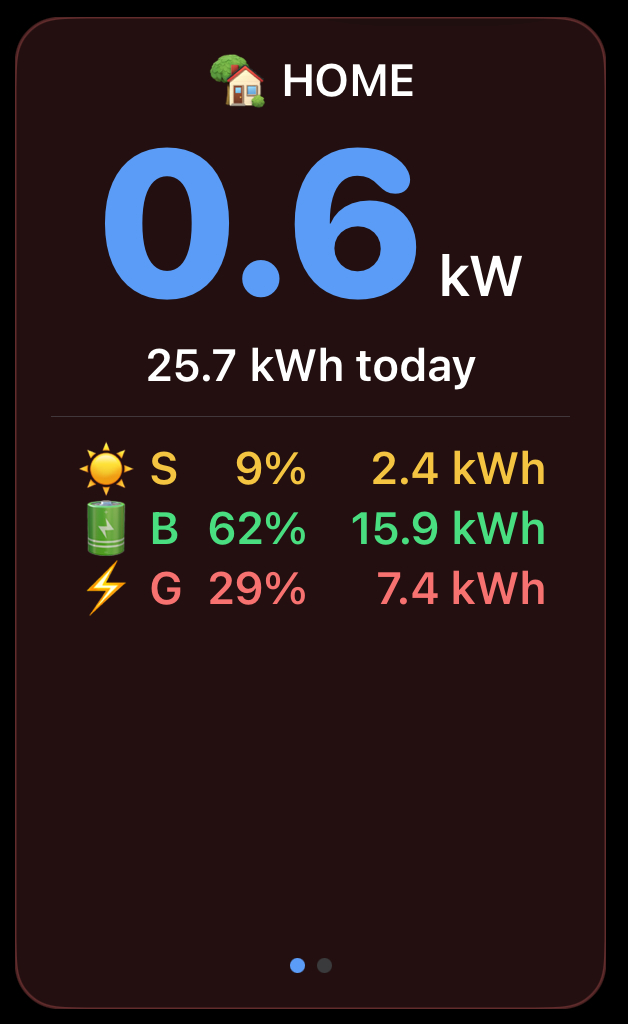
Home
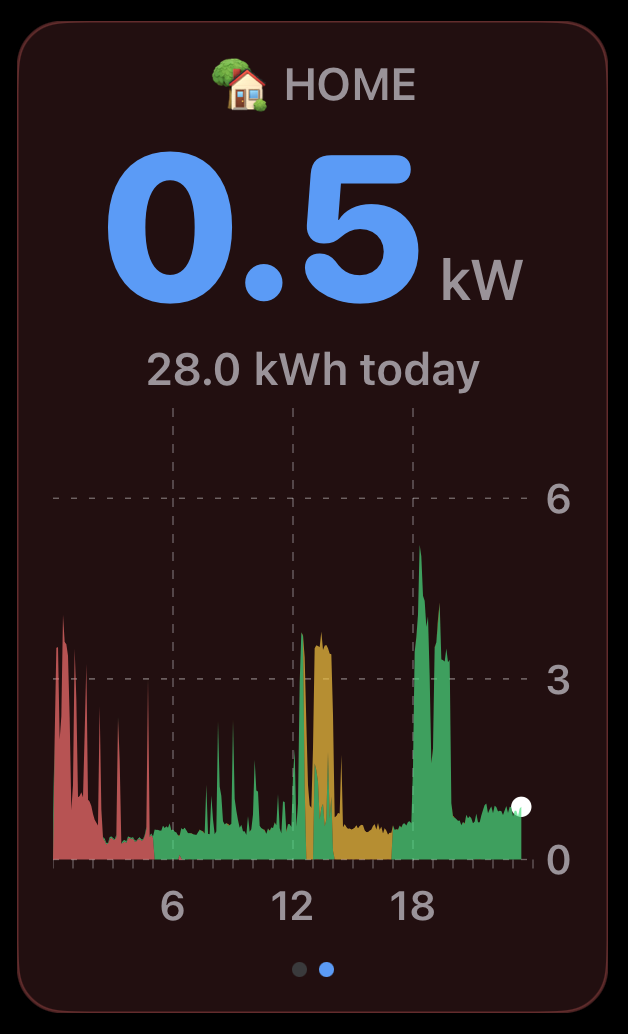
- Live household consumption in kW
- Today's total energy used
- Breakdown shows the share of demand met by each source: solar (S), battery (B), and grid (G), as a percentage and kWh
- A second slide plots an in-day chart of today's consumption, colour coded by the source that met it (solar, battery, or grid) so you can see how the mix changed through the day
- Panel highlights red when your home is drawing power
Battery
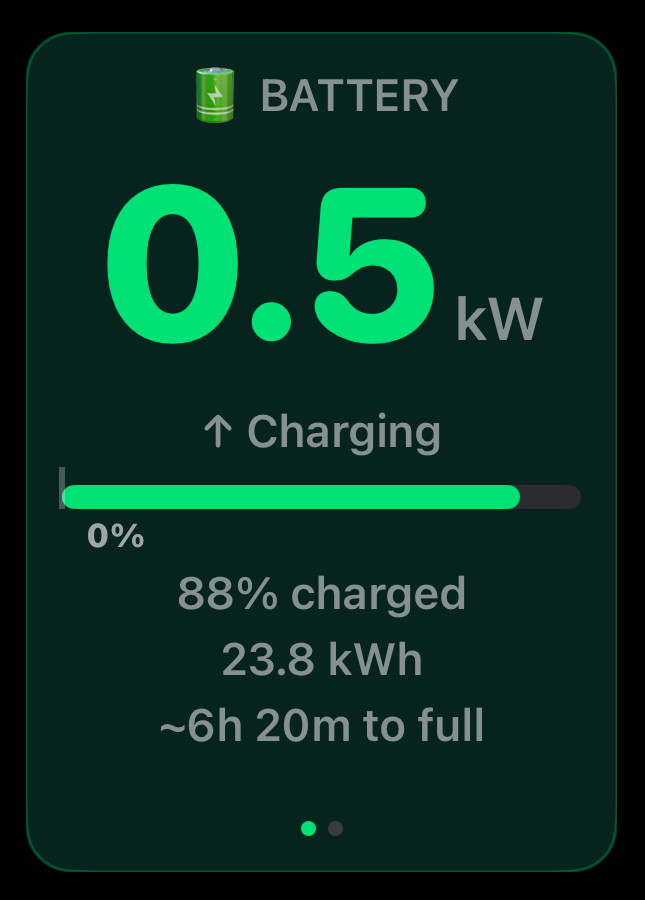
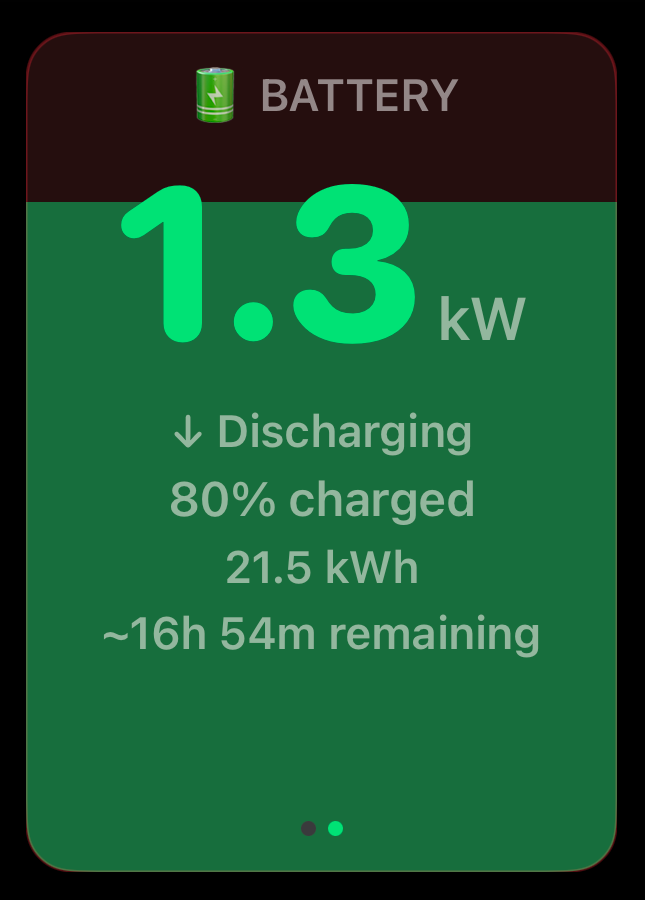
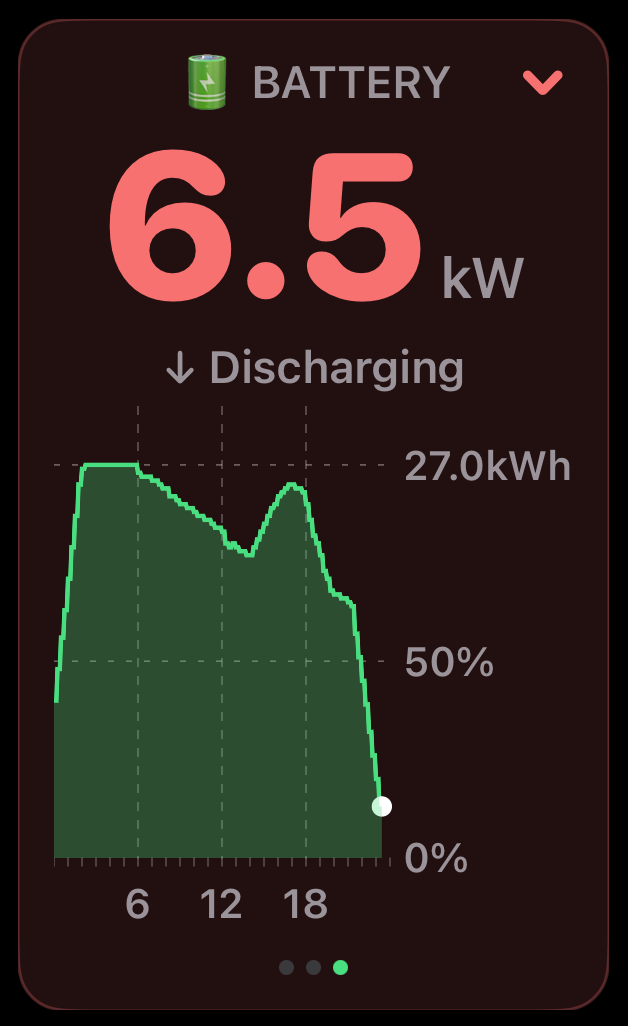
- State of charge, charge or discharge rate, and stored energy in kWh
- Charge bar with backup reserve threshold marker
- Estimated time to full or time remaining when charging or discharging
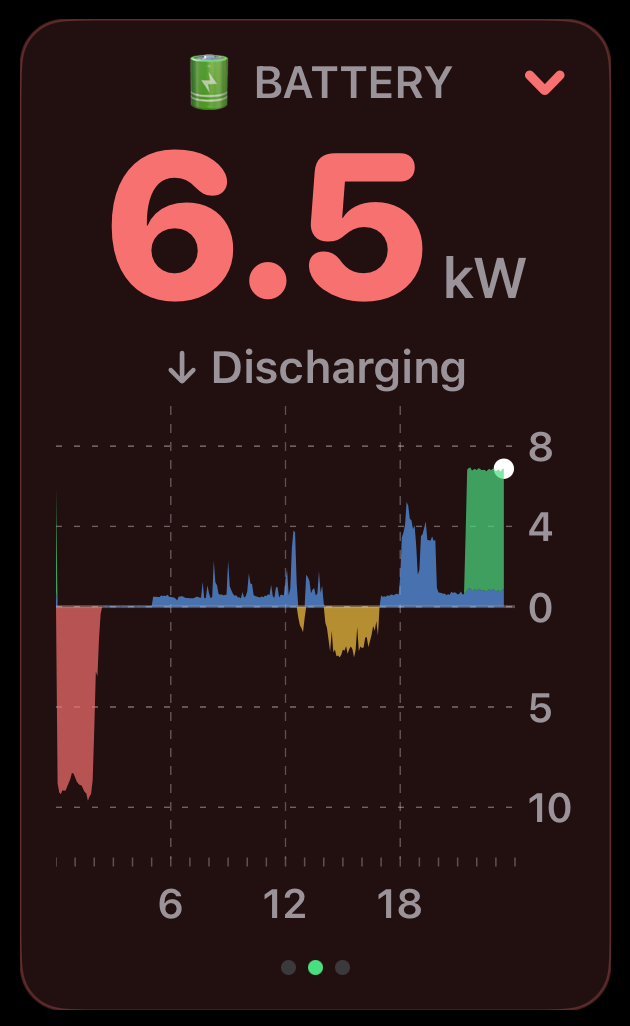
- Font and background colours reflect direction: green when charging, red when discharging
- A chevron in the top corner reinforces direction at a glance: green up-arrow when charging, red down-arrow when discharging
- Tap to switch to a fill view showing charge level visually
- An in-day power chart shows charge and discharge through the day, colour coded by source and destination, with charging above the line and discharging below
- A further in-day chart tracks state of charge, showing how the battery level rose and fell through the day as a percentage and in kWh stored
Grid
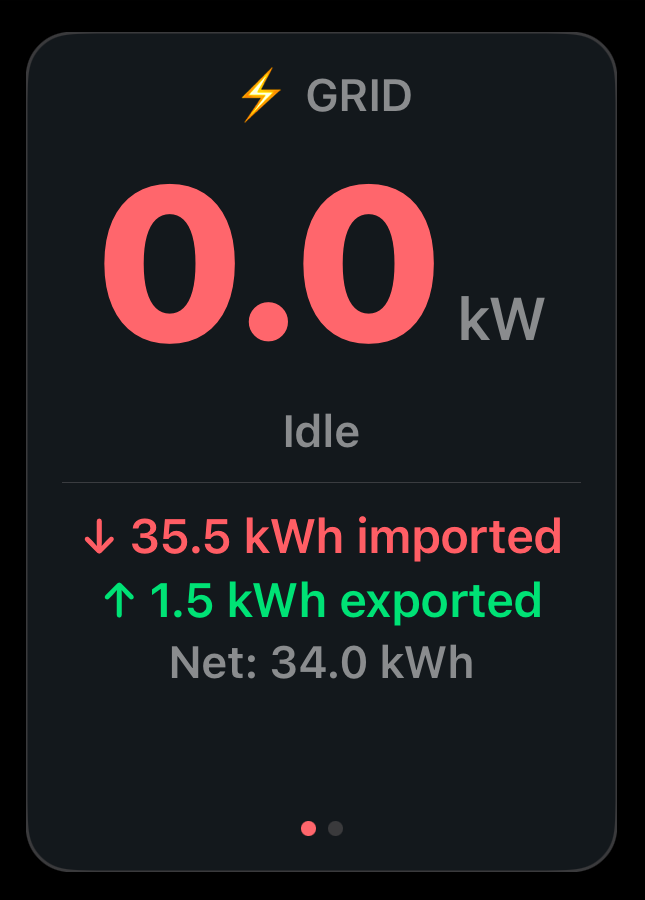
- Live import or export in kW with direction
- Today's kWh totals for energy imported and exported
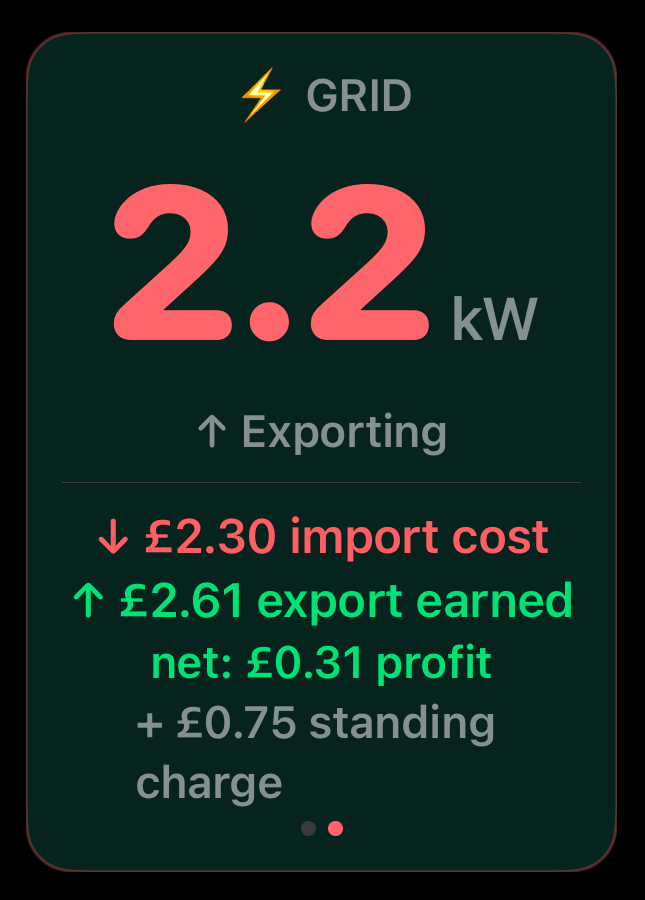
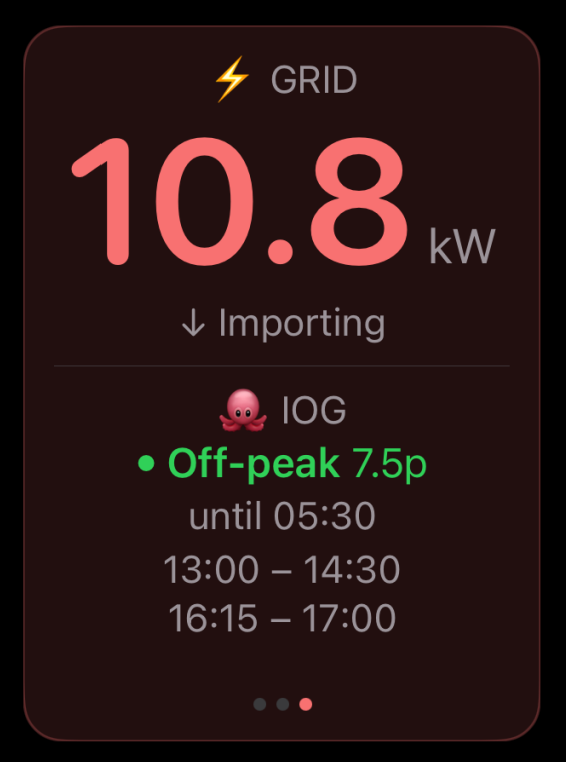
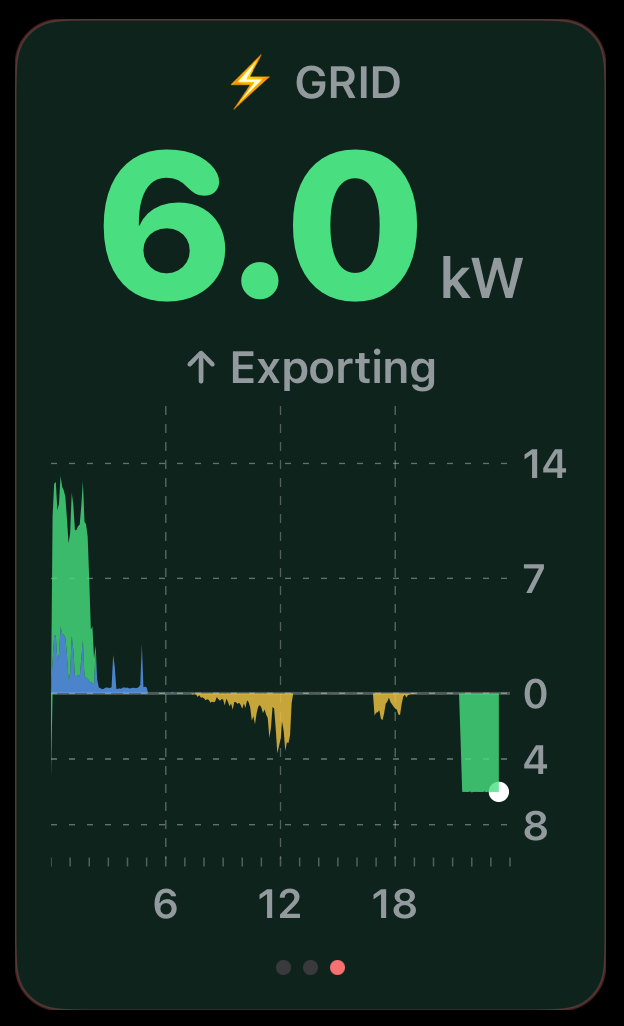
- Panel turns green when exporting surplus, red when importing from the grid, and neutral when neither importing or exporting
- Tap to switch to a cost view showing import cost, export earnings, and net profit or cost (Premium) or configure app to rotate views automatically
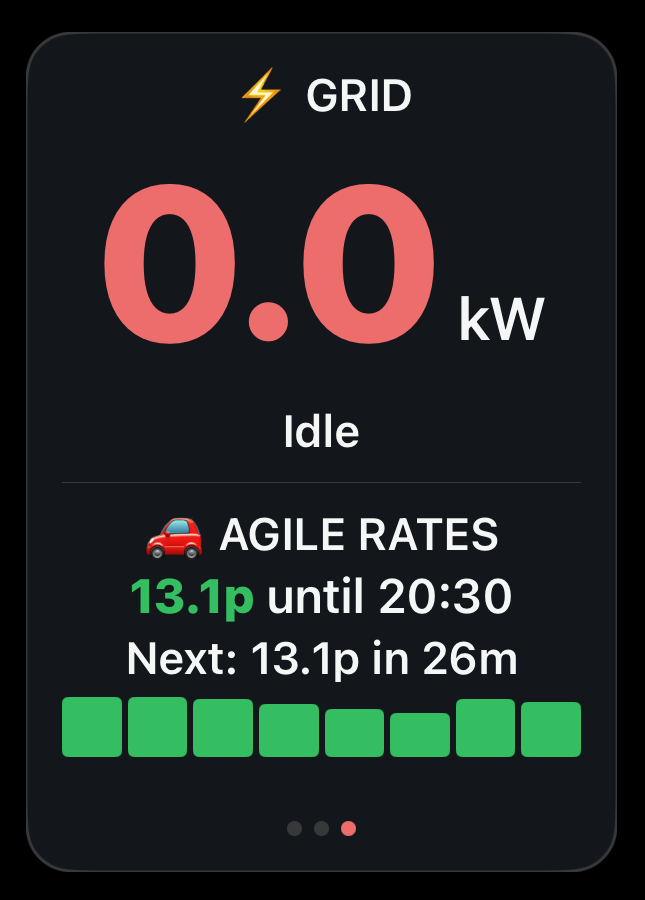
- With Octopus Agile pricing enabled (Premium), the panel shows the current rate in pence per kWh, when it changes, and a bar chart of upcoming half-hour slots
- With the Octopus Energy Integration connected for Intelligent Octopus Go (Premium), the panel shows an IOG view: the current rate band (for example Off-peak 7.5p) and how long it lasts, plus any upcoming planned dispatch slots
- When Agile pricing or Intelligent Octopus Go is enabled, the total daily import cost and daily net are not shown, as they cannot currently be determined reliably
- An in-day chart plots import and export power through the day, colour coded, with export above the line and import below